

Restricted Fields Overview
The Restricted Fields tab within the Categories, Analyzers, Templates, Incident & Timeline Configuration Screen allows a user to restrict a message field from being viewed by users without Incident Restricted Message Access permissions. See User Roles and Permissions for more details.
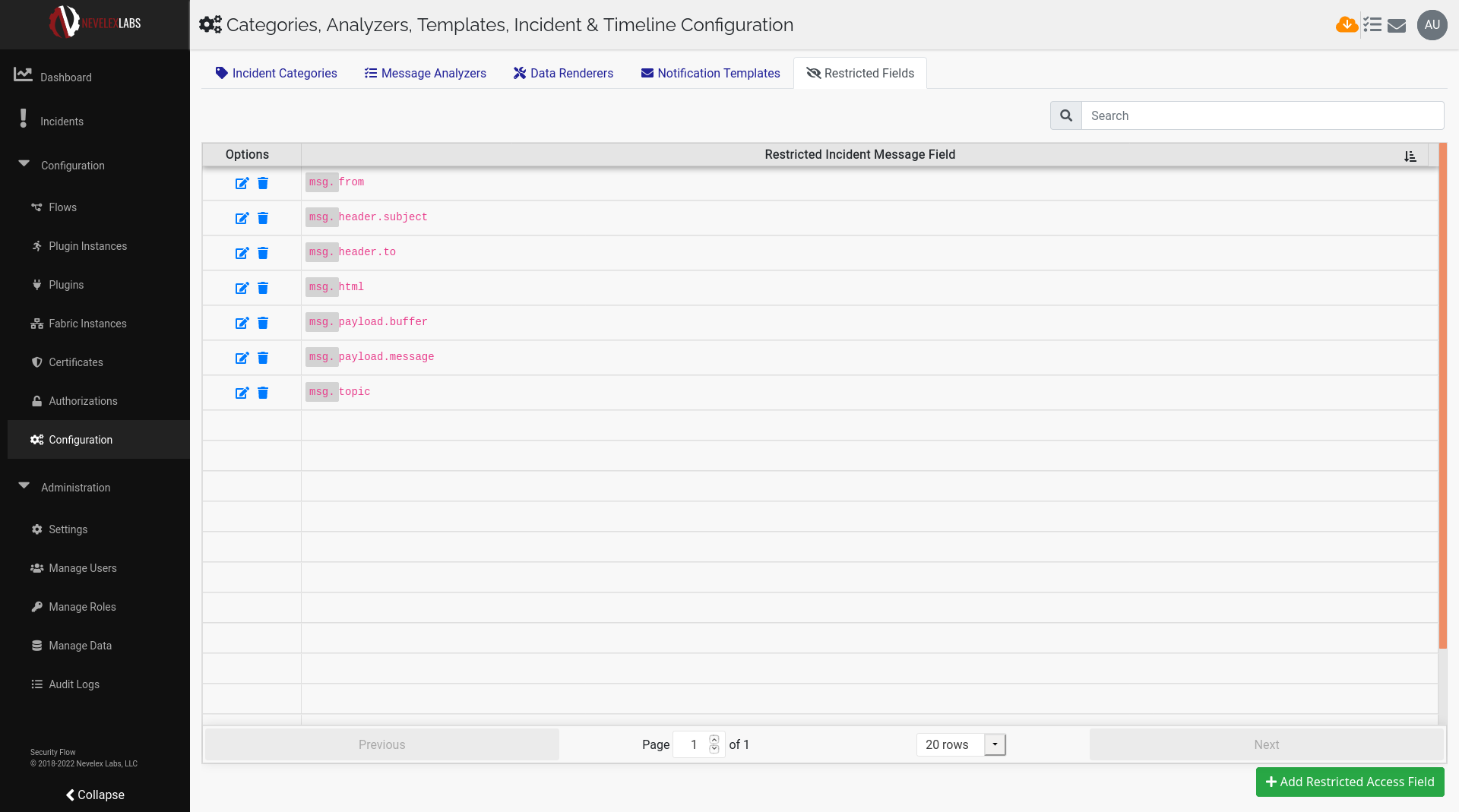
| Button | Description |
|---|---|
| Edit the selected restricted access field pathway. | |
| Delete a specific restricted access field pathway. | |
| Add Restricted Access Field | Add a restricted access field pathway. |
Adding a Restricted Access Field
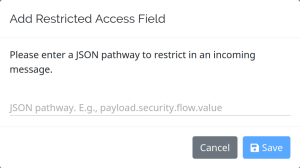
To add a restricted field, select Add Restricted Access Field and enter a JSON pathway to mark as restricted in an incoming message.
Edit a Restricted Access Field
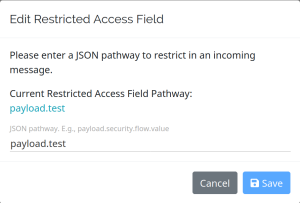
To Edit a restricted field pathway, select the edit icon, edit the JSON pathway, and click the Save button
Delete a Restricted Access Field
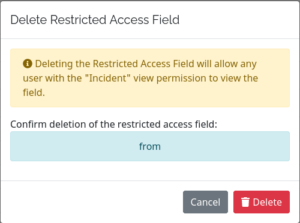
To delete, select the delete icon and click the Delete button.
Nevelex Labs, Main Office
Metro Office Park
2950 Metro Drive, Suite 104
Bloomington, MN 55425
Phone: +1 952-500-8921
©Nevelex Labs, LLC. 2018-2026, All Rights Reserved.
EULA